Connect the Native App
The native app connects to the same Prismedia server as the web app. Your library and account live on that server; installing a client does not create a server or import a collection by itself.
Install and connect
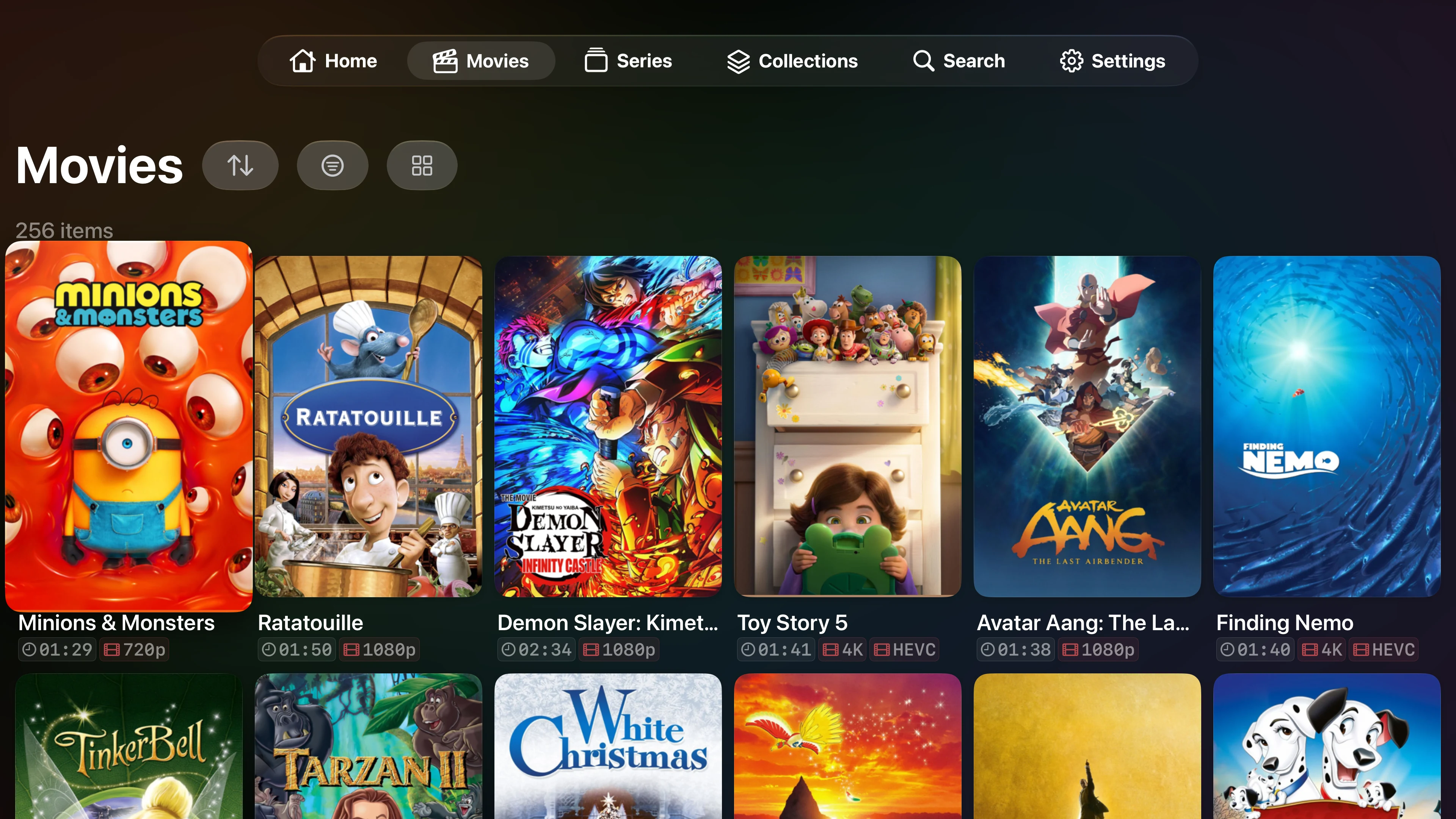
- Install Prismedia from the App Store on your iPhone, iPad, or Apple TV. All three use the same listing; check its compatibility section for device and OS requirements.
- Open the app and enter the address you use to reach your Prismedia server, including the port if needed. For a local server, that might be
http://media-server.local:8008. - Choose Continue, then sign in with your Prismedia username and password.
- Open a library or resume an item. The media available to you follows your account's library access.
Use a server address that the device can reach. localhost on an iPhone means that iPhone, not the computer running Prismedia. Allow local network access when the operating system asks and your server is on that network.
Away from home
A LAN address only works while the device can reach your home network. Use your existing private network connection, or an appropriately configured HTTPS endpoint. See Reverse Proxy for server configuration and Authentication for accounts and access.
The server must be running and reachable for server-backed browsing and streaming. Installing the native app does not change your network setup.
What to try first
- Read and listen to the same book, with chapter mapping and combined continuation.
- Adjust native reader settings, including profiles, page flow, and paragraph focus.
- Play music and open the queue while browsing.
- Request media when your account has request permission.
Connection troubleshooting
| Problem | Check |
|---|---|
| The server cannot be reached | Open the same address in the device's browser. Check Wi-Fi, port, local network permission, and whether the server is running. |
| The web app works on the server computer only | Use its reachable hostname or network address instead of localhost. |
| HTTPS fails | Check the certificate, hostname, and reverse proxy. The native client also needs a valid connection to the API and media routes. |
| Sign-in fails | Use your Prismedia account, rather than your Apple or GitHub credentials. Check password recovery. |
| A library or request action is absent | Ask the server administrator to check the account's library access and request permission. |
| A feature differs between devices | Check the installed native app and server versions, and check the App Store for an app update. |