 View on GitHub
Sit down with a film.
Stay for the next episode.
Movies & series
Artwork and details help you find something to watch. Subtitles, playback controls, and your place in the story stay close at hand.
Explore video playback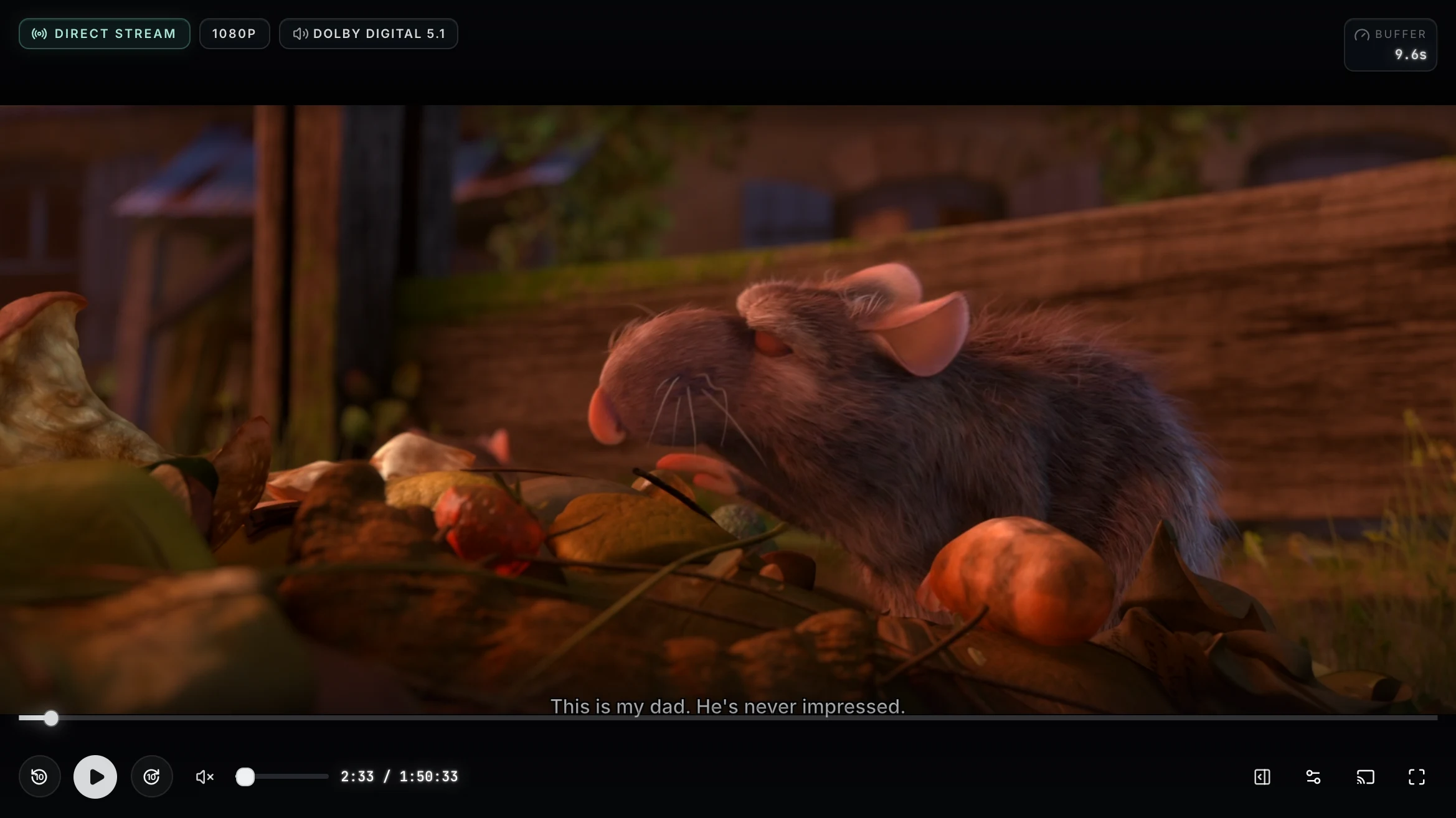
Find, organize, and enjoy your movies, music, and books.
Run Prismedia on your own server, then connect from the web or native Apple apps.
Finding it. Identifying it. Bringing it home.
A familiar journey, whatever you enjoy.
One place to manage the collection.
Thoughtful ways to watch, listen, read, and browse.
Movies & series
Artwork and details help you find something to watch. Subtitles, playback controls, and your place in the story stay close at hand.
Explore video playbackBooks, comics & audiobooks
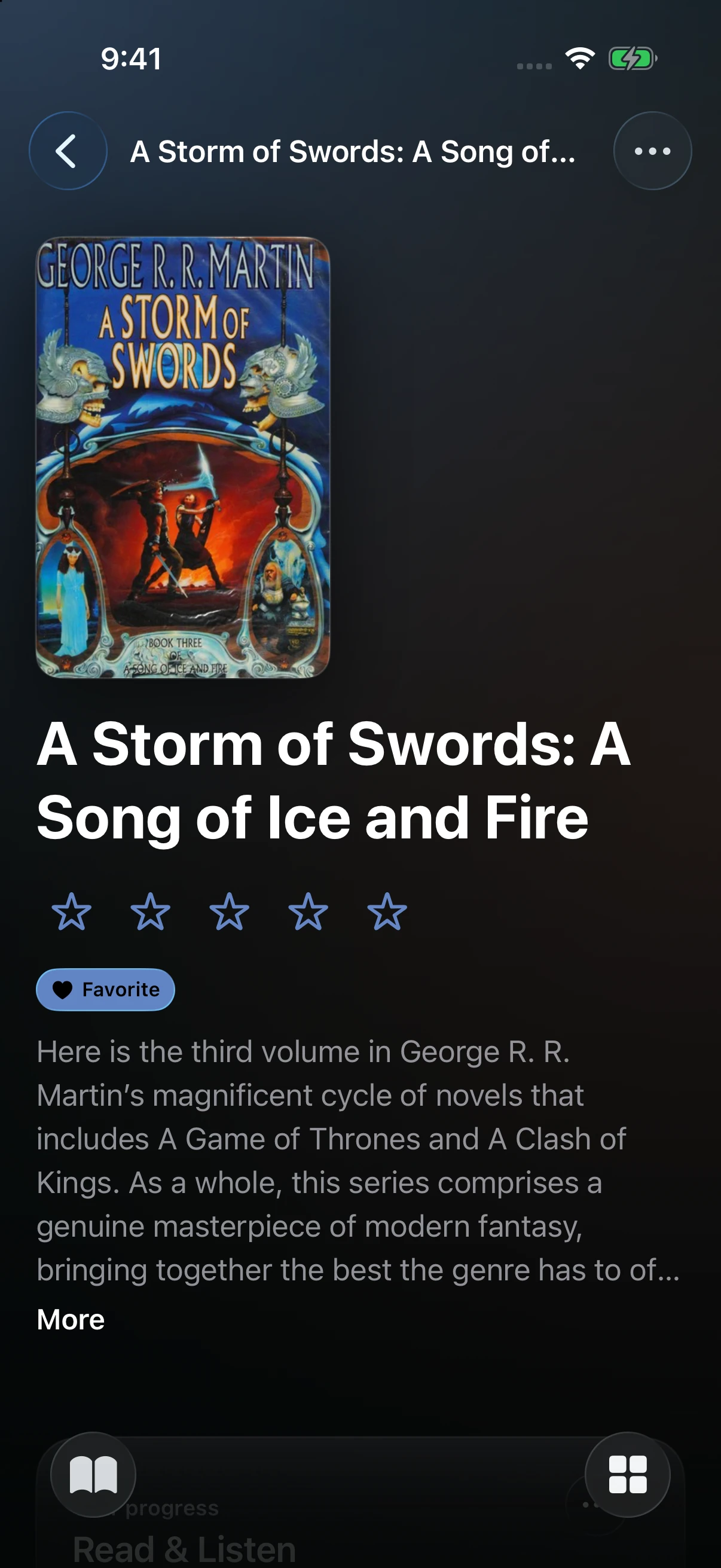
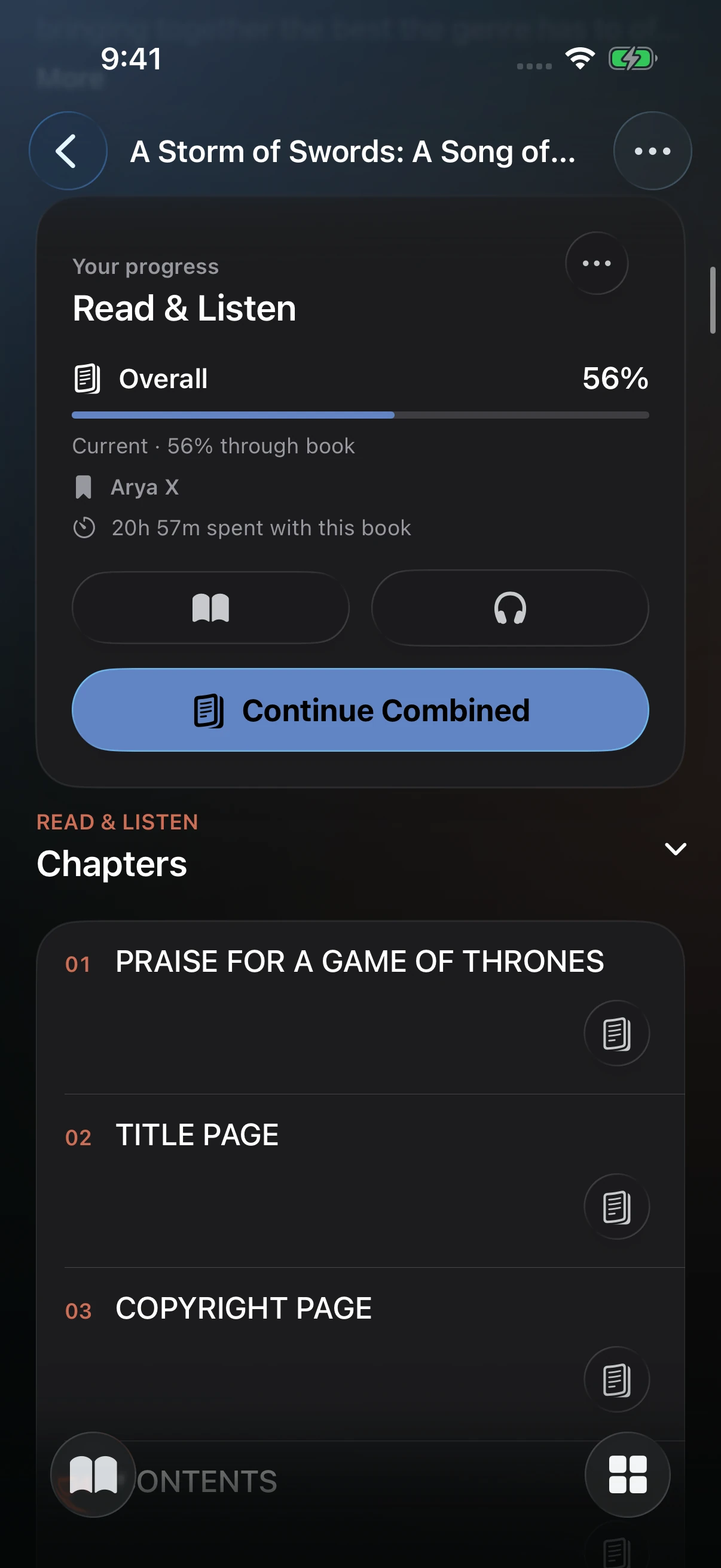
Adjust the type and page appearance, or listen to the audiobook. Keep text and audio on one book page, with separate reading and listening positions.
Explore reading and listening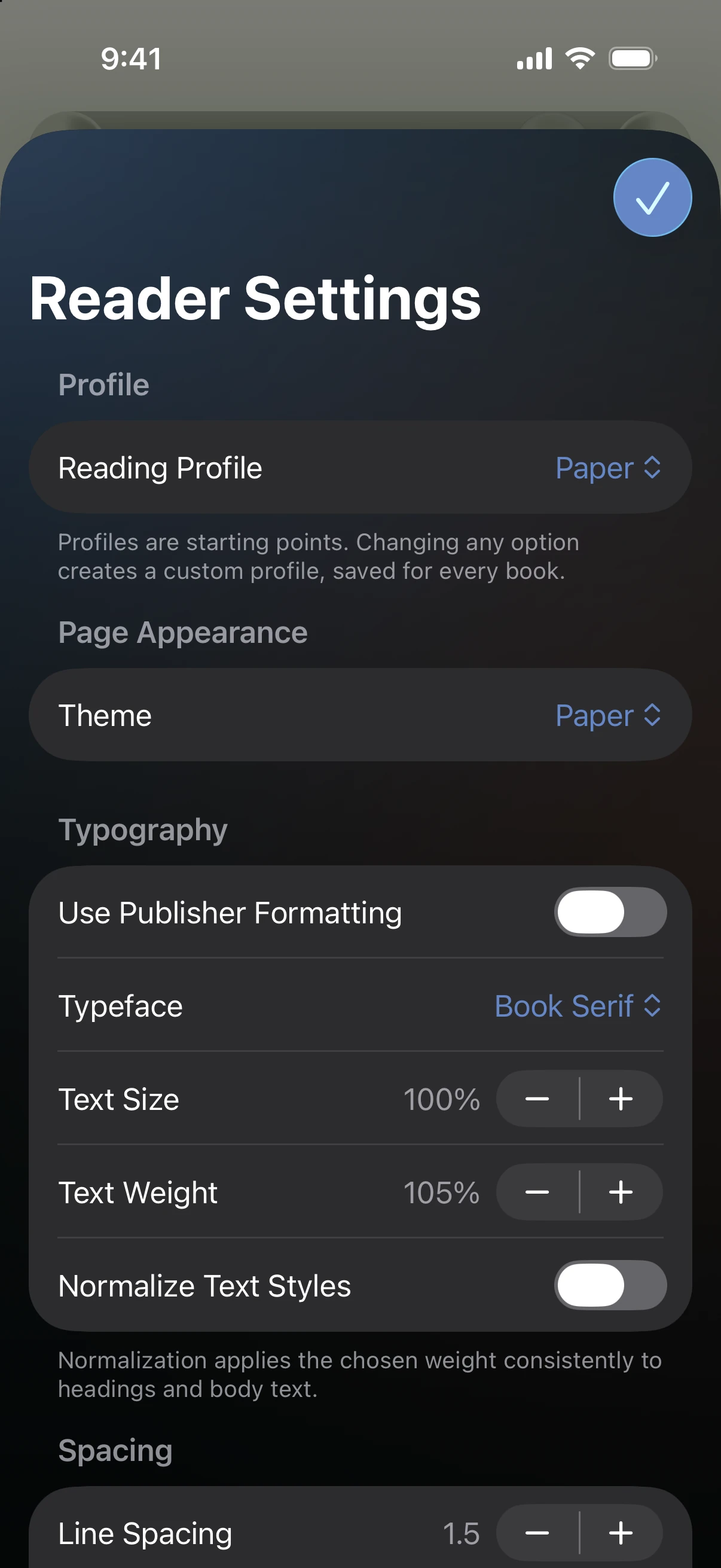
Artists, albums & tracks
Browse your albums, build a queue, and keep listening as you move through the library.
Explore your music library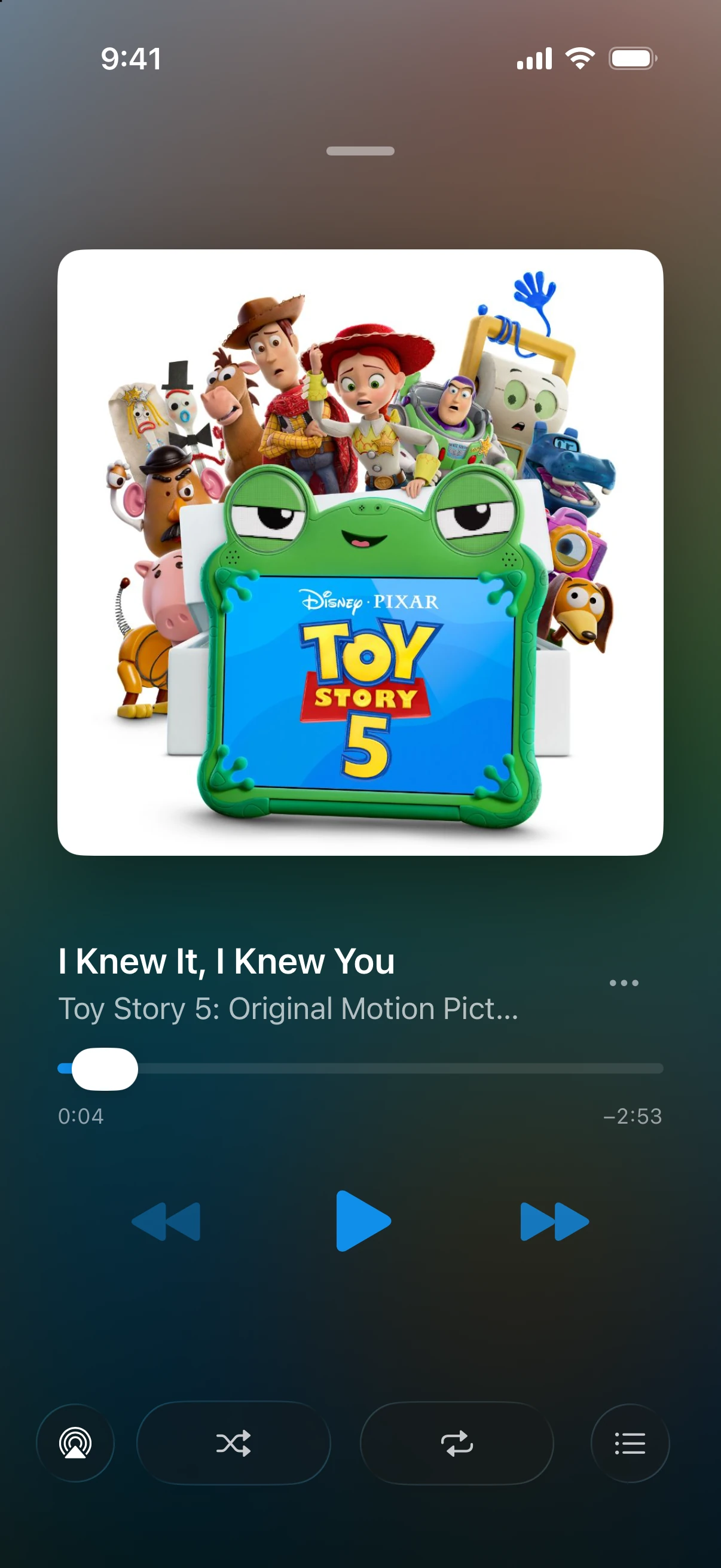
Add individual images or a folder of photos as a gallery. Browse the collection with people and tags, alongside the rest of your media.
Organize images and galleriesSee browsing, playback, reading, and listening across the web and Apple apps.
Add a media folder and let Prismedia scan it into your library. Begin with a few titles; add the rest when you are ready.
Review metadata and artwork from your chosen providers. People, series, and collections connect the library.
Watch a film, put on an album, or open a book. Return to the things you are enjoying with personal progress.
Connect the indexers and download clients you already use. Search through metadata providers, review a release, and follow it into the library. Prismedia handles acquisition and imports while keeping the item's identity and history together.
Understand requests and acquisitionYour metadata providers
Prowlarr, Torznab, or Newznab
qBittorrent, Transmission, or SABnzbd
Prismedia verifies and imports the files
The responsive web app and native Apple apps connect to your Prismedia server. Each screen has room to work the way it should.
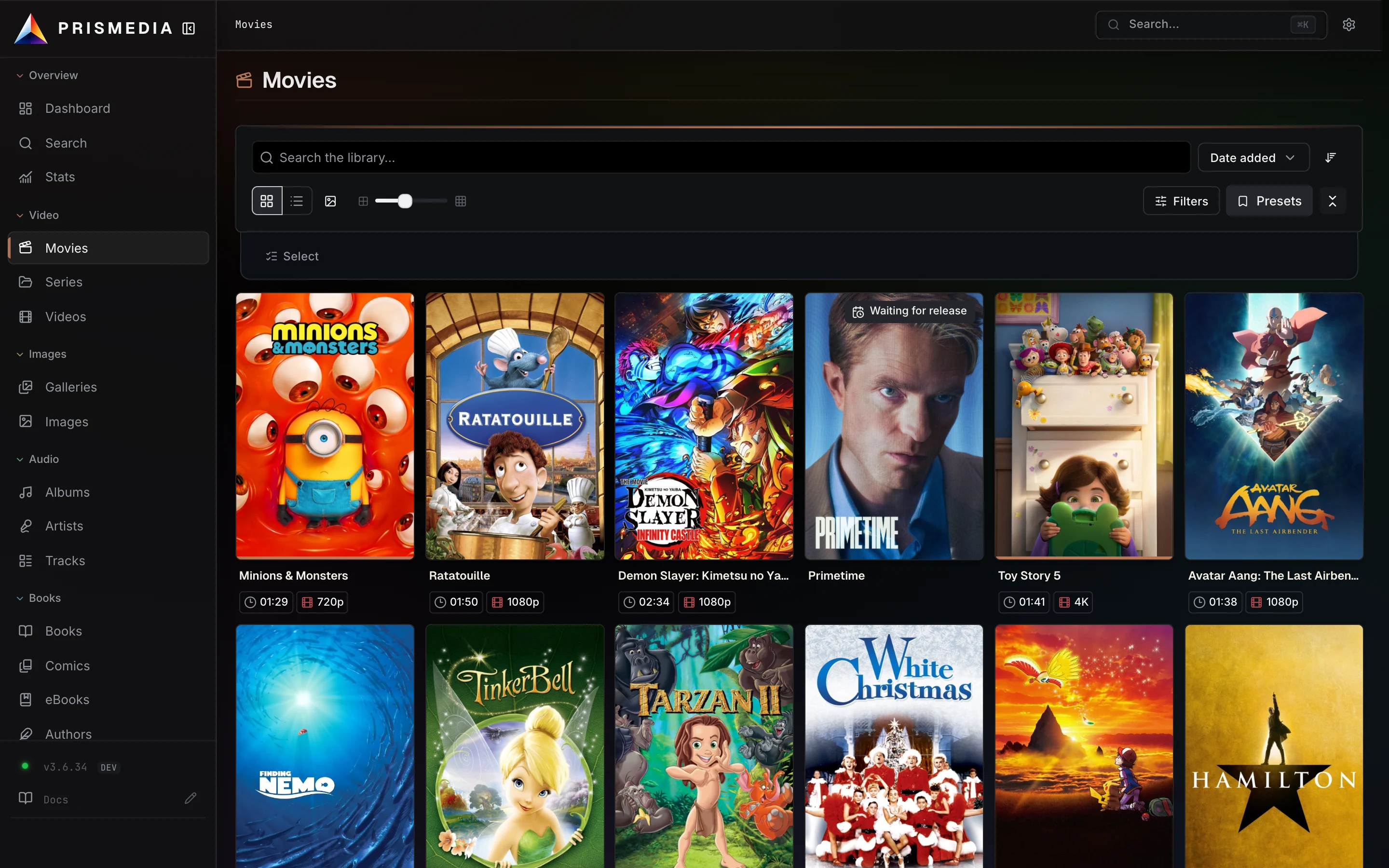
Browse and enjoy your media, manage files, identify titles, and follow background work. The layout adapts from desktop to phone.
Set up your serverNative browsing, playback, reading, and listening, with controls shaped for your device.
 Download on the App Store
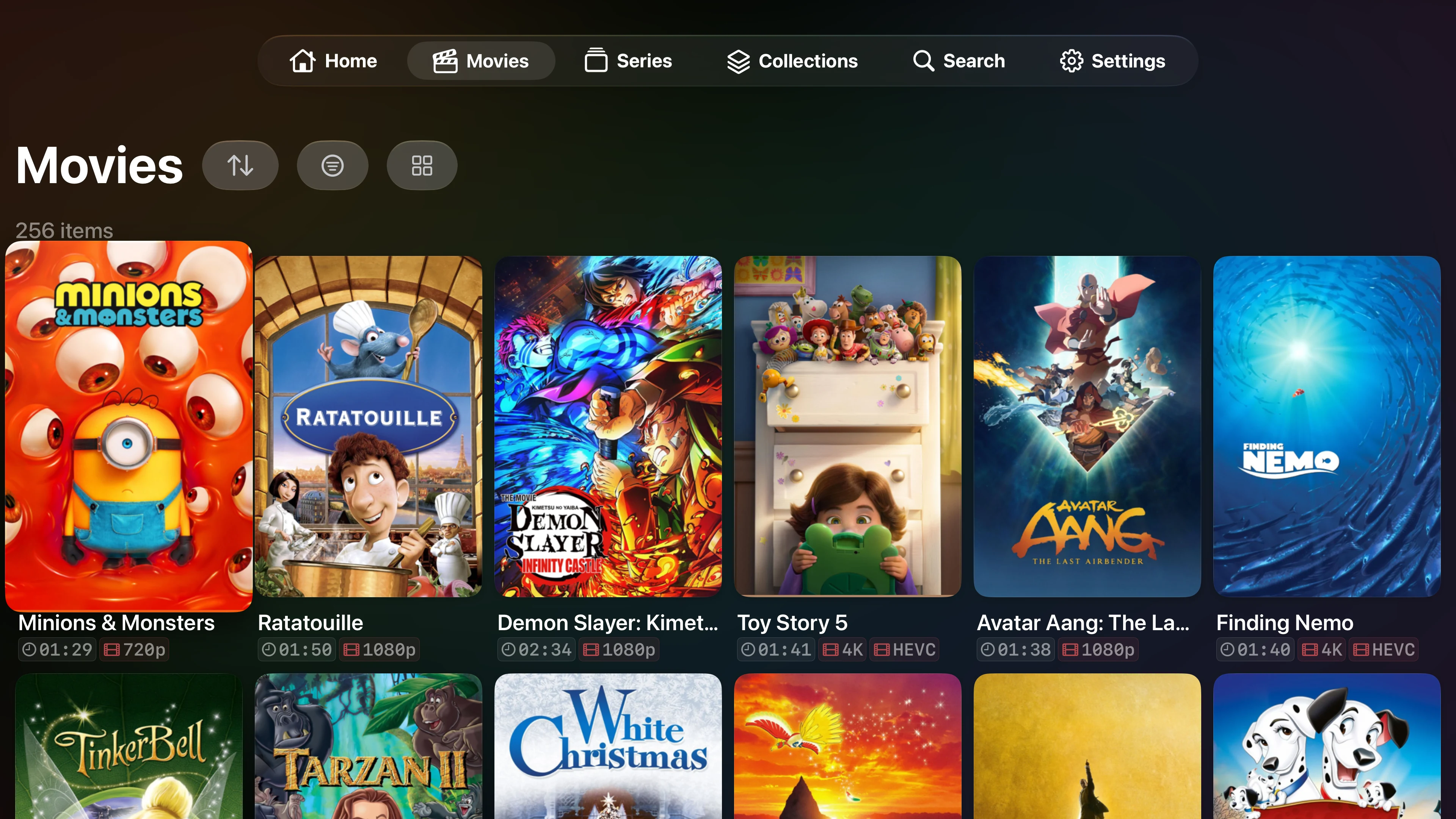
A focus-based interface and native video player for the biggest screen in the house.
Download on the App StoreAvailable on the App Store for iPhone, iPad, and Apple TV. Native apps need a reachable Prismedia server and your account.
“I kept finding the same pattern: discover something, identify it, bring it into the library, then enjoy it.”
Movies and TV made that pattern familiar. As I added music and books, I found myself maintaining separate tools that repeated much of the same work. I wanted one place to manage the collection, with an interface that felt considered on every screen.
That became Prismedia. Each item is an Entity: its identity, files, relationships, and history stay together. The shared foundation gives each medium room for its own experience.
Paul Creator of Prismedia
Run Prismedia with Docker, make your media folders accessible, and add your first watched root. The guide explains which path to enter and what each folder becomes.
/media/
├── movies/
├── tv/
├── music/
├── books/
├── comics/
└── images/
Add each media folder as a watched root.
Start with the kinds of media you have.