Collections
Collections are simple groupings for browsing and curation. They can contain movies, series, videos, galleries, images, books, and audio tracks. They are an organizational view over your library — not the app-wide playback queue.
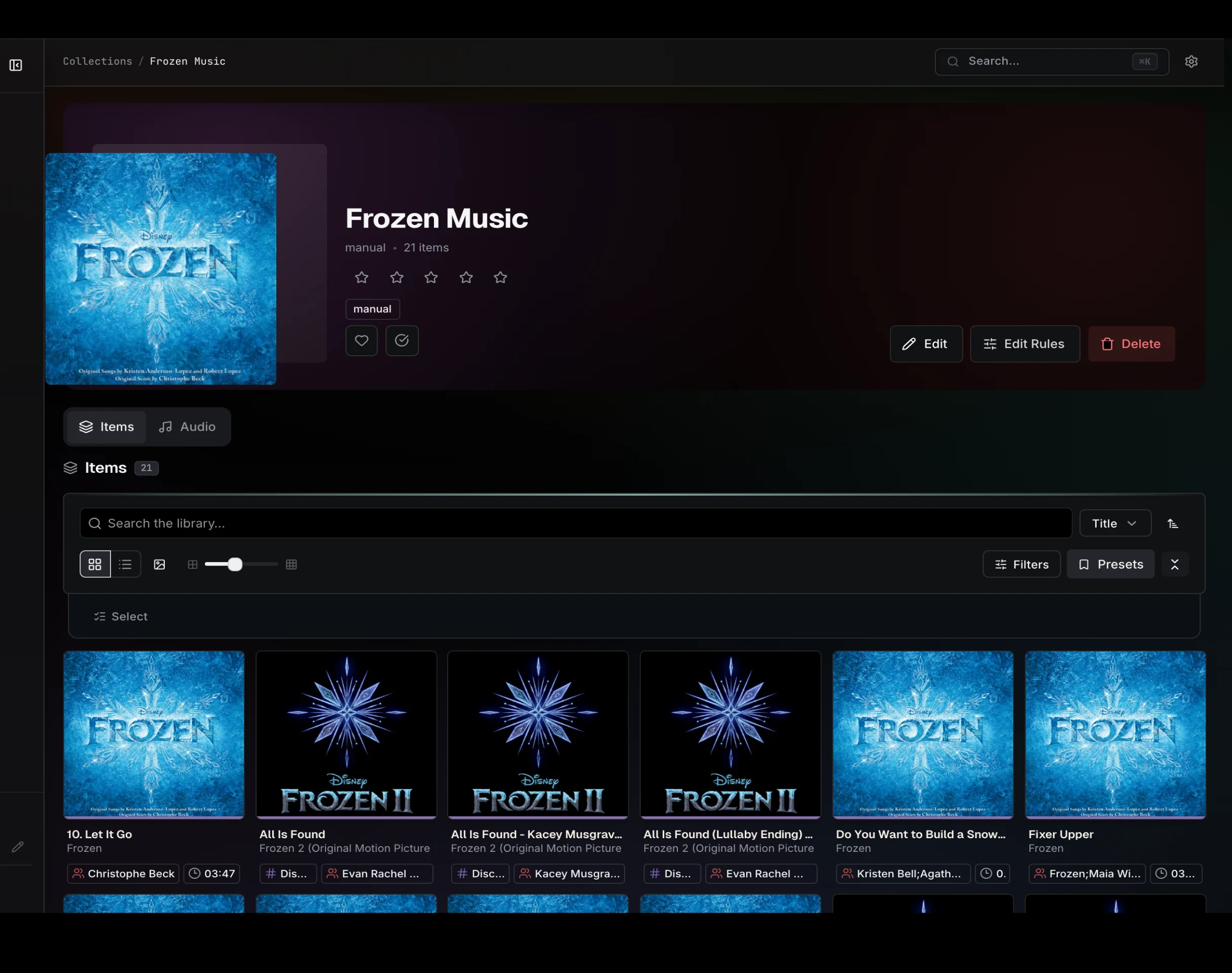
Modes
| Mode | Meaning |
|---|---|
| Manual | You add, remove, and reorder items directly. |
| Dynamic | Rules select matching media. Refreshing the collection updates membership. |
| Hybrid | Manual pinned items plus rule-produced items. |
Creating and editing
Create a collection from the Collections page, then use the collection editor to set its mode, rules, visibility, and cover. Dynamic rule changes refresh contents immediately on save, and rule previews render through the shared library grid so you can see what a rule will match before committing.
Adding items
Use Add to Collection from any library grid: turn on selection, pick one or more items, and add them to an existing collection from the selection toolbar. Curation happens wherever the media lives; a collection's detail page simply shows its items.
Cover art
A collection shows its own cover, or falls back to a configured cover item or the first item.